To test your EDI Profile, try sending a Quote, a Sales Order Acknowledgement, and an Invoice to one of the Customers you configured above. For example, to send a Sales Order, follow these steps:
Follow this path:
Select the Sales Order you want to send
Right-click and select "Send Electronic Acknowledgement..."
You should see the following window:
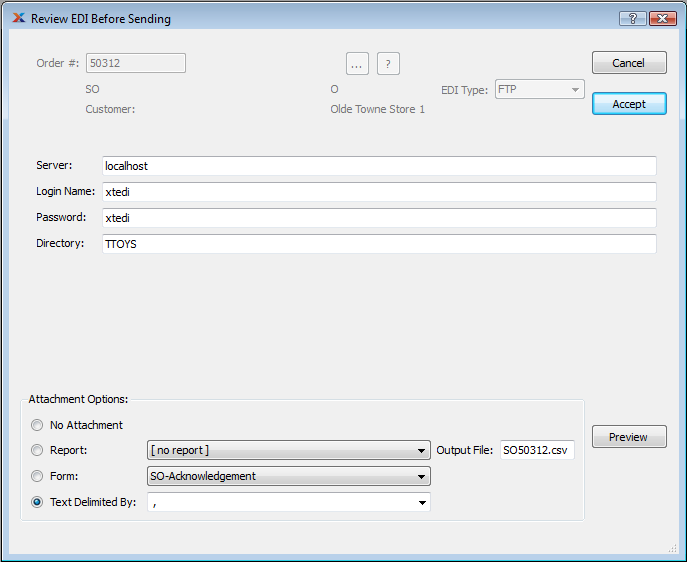
Example of Review EDI window for a Sales Order sent by FTP
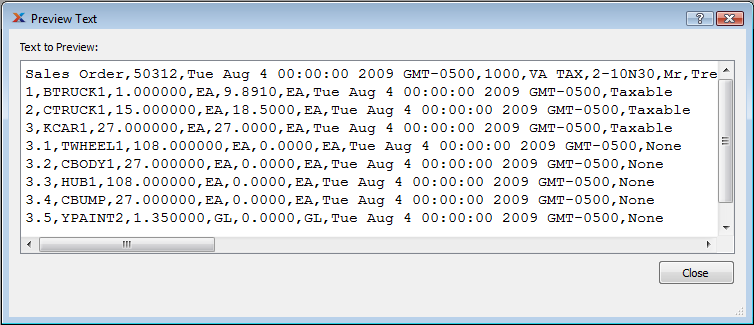
If you want to see what the CSV file will look like when it is sent, click the PREVIEW button: